


 Flutter UI Kits
Discover production-ready Flutter UI kits and app UI templates in the Flutter UI Kits section. Download clean Flutter source code with widgets, navigation, theming and sample data already wired together, then adapt it for your own ecommerce, banking, news, social, booking, fitness and streaming layouts without rebuilding every screen from scratch.










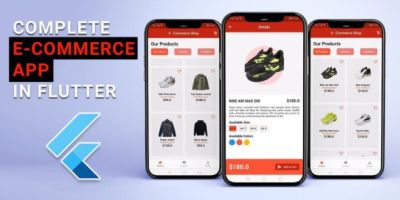

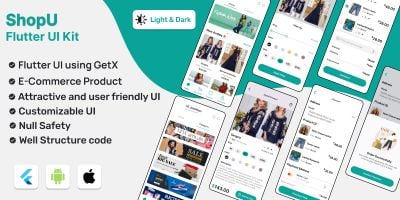
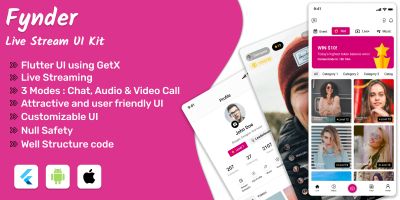
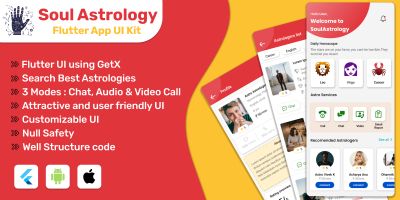
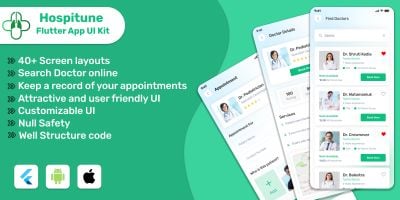
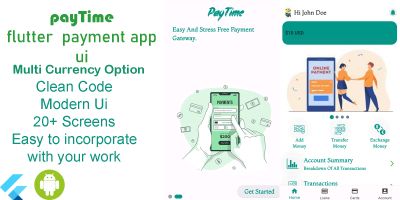
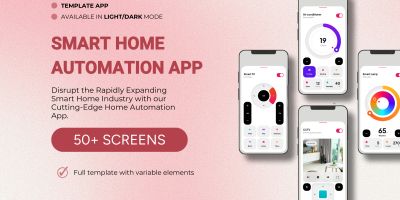
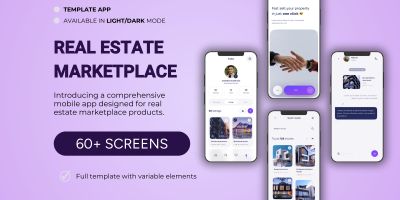
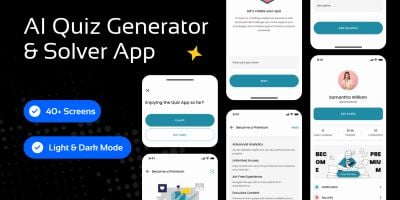
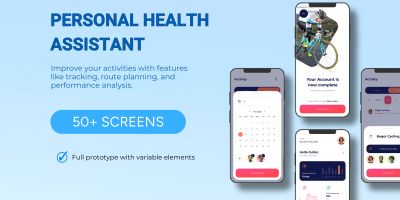
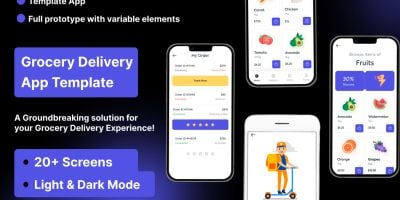
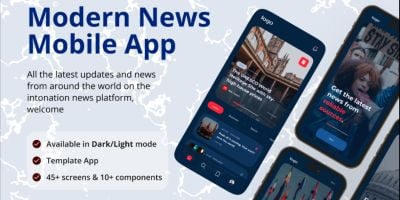
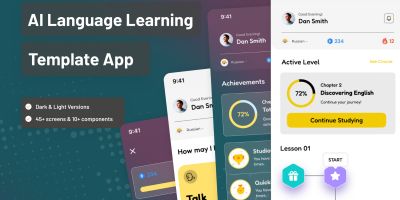
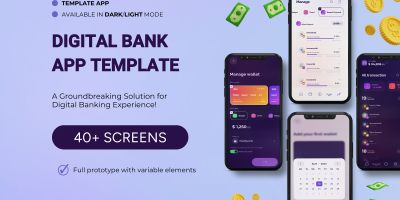
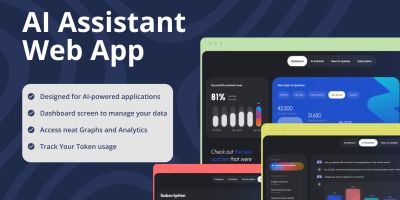
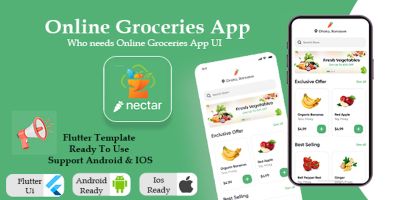
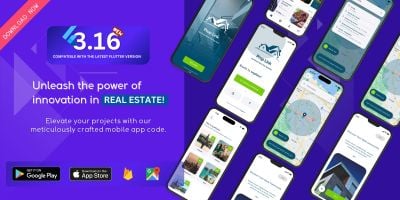
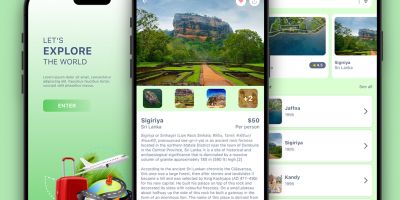
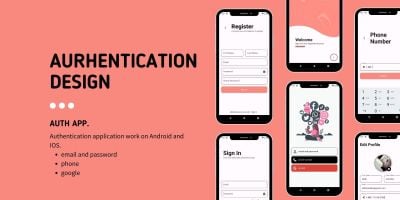
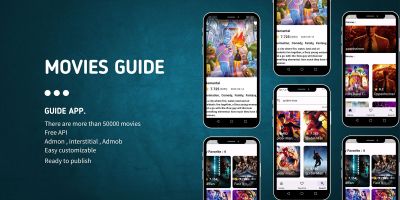
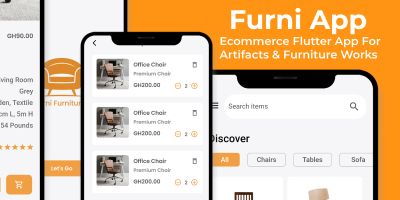
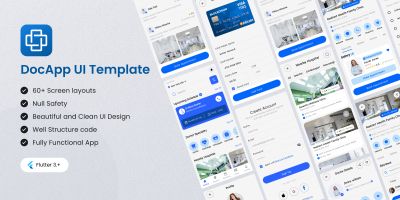
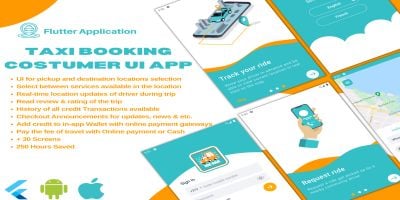
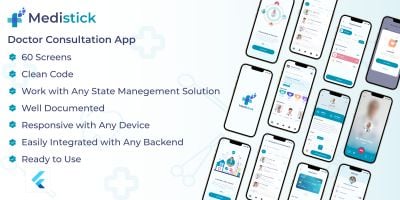
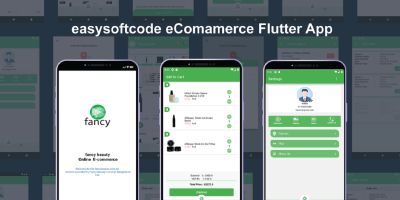
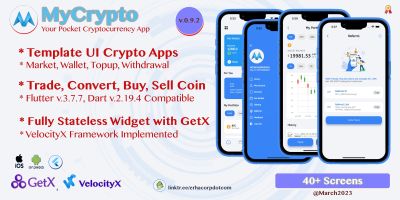
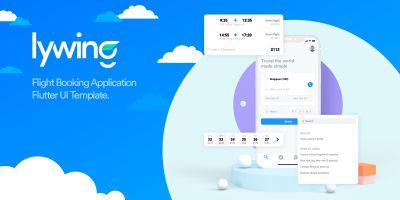
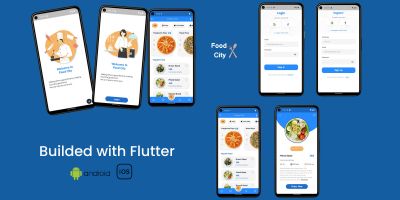
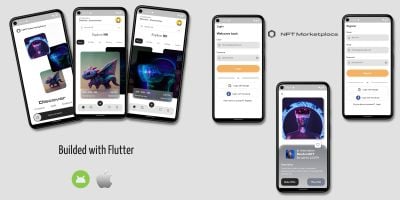
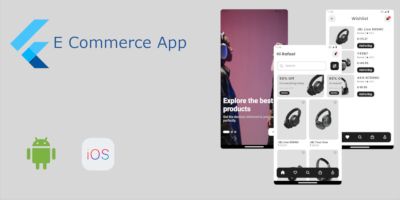
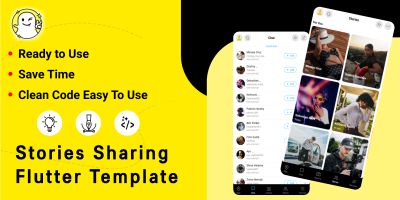


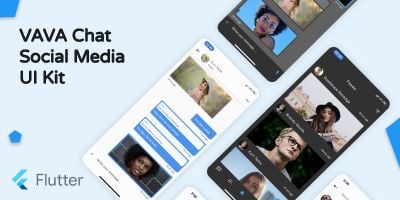
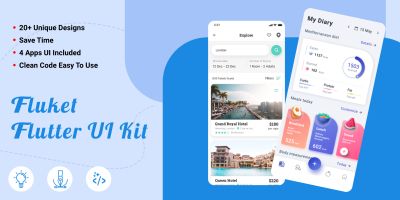
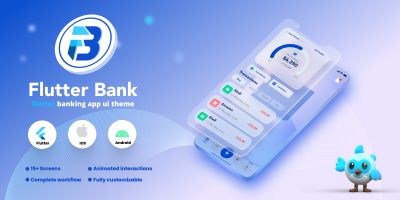
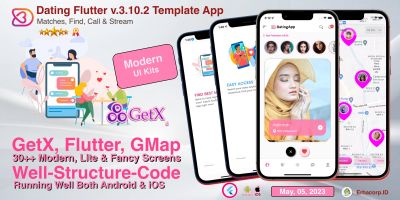
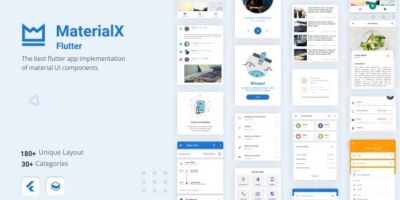
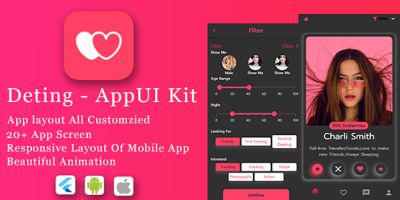
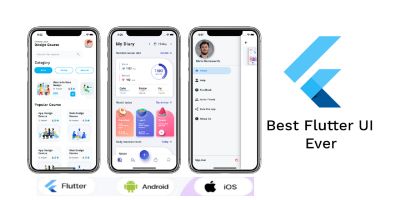
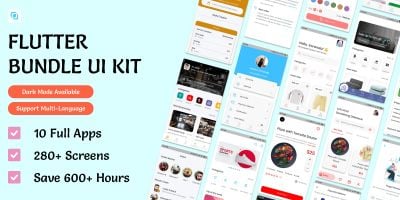
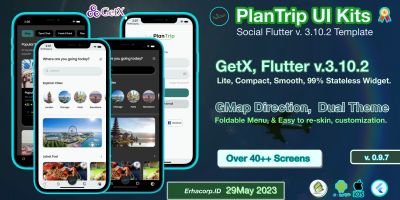
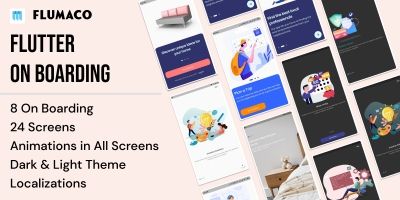
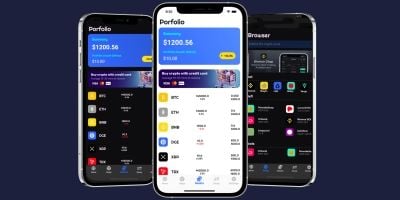
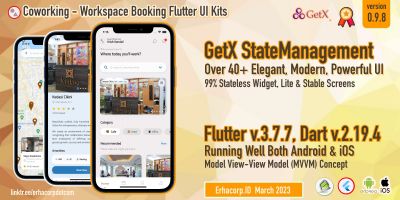
Download Flutter UI Kits
If you want to move beyond tutorials and ship real apps, the Flutter UI Kits collection is a helpful bridge. These Flutter UI kits and app UI templates are complete Flutter projects – not just snippets – so you can see how routing, state, theming and networking all come together in a production-style codebase aimed at ecommerce, banking, news, social, booking, fitness and streaming layouts.
When you open one of these projects, you typically get a full user journey: onboarding or a splash screen, authentication, a home view, feature pages, search or filtering, and profile or settings screens. The navigation structure is already decided, forms are wired with validation and a visual hierarchy is in place. That makes it much easier to replace demo content with your own copy and data while keeping UX details that users have come to expect from polished Flutter apps.
This is valuable whether you are a solo developer, part of an agency or working inside a product team. Newcomers can learn by example, exploring how the widget tree is composed and how responsiveness is handled across different device sizes. Experienced teams save weeks on the boring parts of every project and can channel their energy into unique features, animations and integrations.
To make the most of this category, it helps to think about how it fits into the rest of Codester. Project overviews or case studies on your own site can link to a specific template you started from, then offer a broader “see more Flutter resources” link back to the main Flutter Templates listing. From there, users can jump out to more targeted pages such as Flutter Full Application Templates for complete apps or Flutter UI Kits when they mostly need screens and flows.
Cross-linking with other technologies is useful as well. It is common to mention how a Flutter app fits into a wider portfolio alongside native Android app templates, iOS templates or hybrid solutions like Ionic and React. These internal links help potential clients understand your range and give search engines more context about the frameworks you use.
While you customise, the official docs remain your best companion. The Flutter docs and Dart guides cover everything from project structure and performance tips to internationalisation and testing. When you combine that information with a concrete Codester project, you can both ship faster and deepen your understanding of the framework.
Once you have successfully launched one app from the Flutter UI Kits page, you have a template not just in code but in process: how you handle releases, store listings, crash reporting, analytics and user feedback. Reusing that process – along with favourite pieces of Flutter UI kits and app UI templates – makes the second, third and fourth projects feel much more manageable.